
Prep your film with
Cadrage Studio
Shot lists, camera diagrams, mood boards, and locations: Focus on the creative side of preproduction and stay organized from script to set. Built by the team behind Cadrage, the film industry's go-to viewfinder app.
Creative Workflow
Adapts to how you actually work, not the other way around.
Collaboration
Invite your team and sync via iCloud. Or work solo and share PDFs.
Privacy by Design
No one can access your work unless you share it. Not even us.
Works Offline
A native app for iOS and macOS. No internet required.
Camera Diagrams
Block your scenes
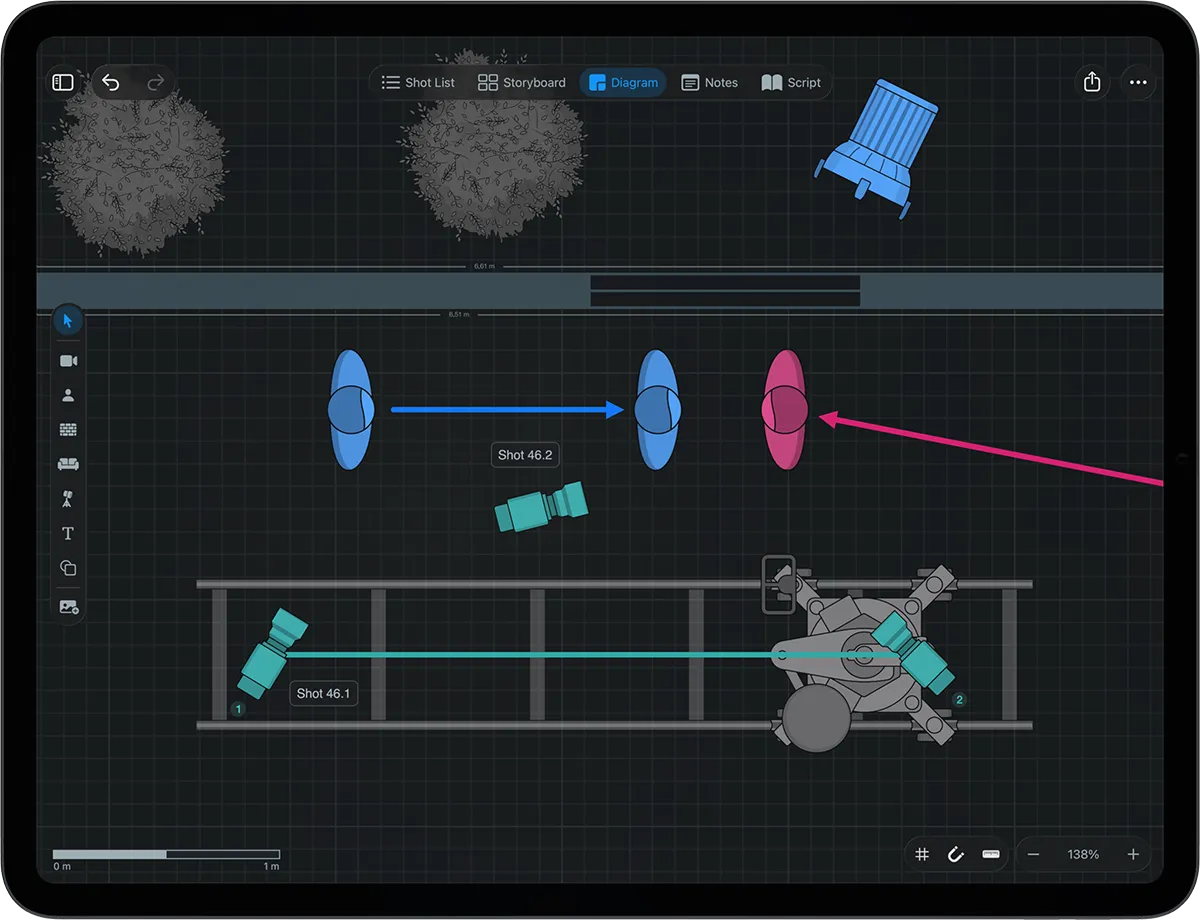
Place cameras, actors, lights, and set pieces on overhead diagrams that feel intuitive from the start. Build detailed to-scale floor plans or import your locations from 3D scans.
Shot Lists & Storyboards
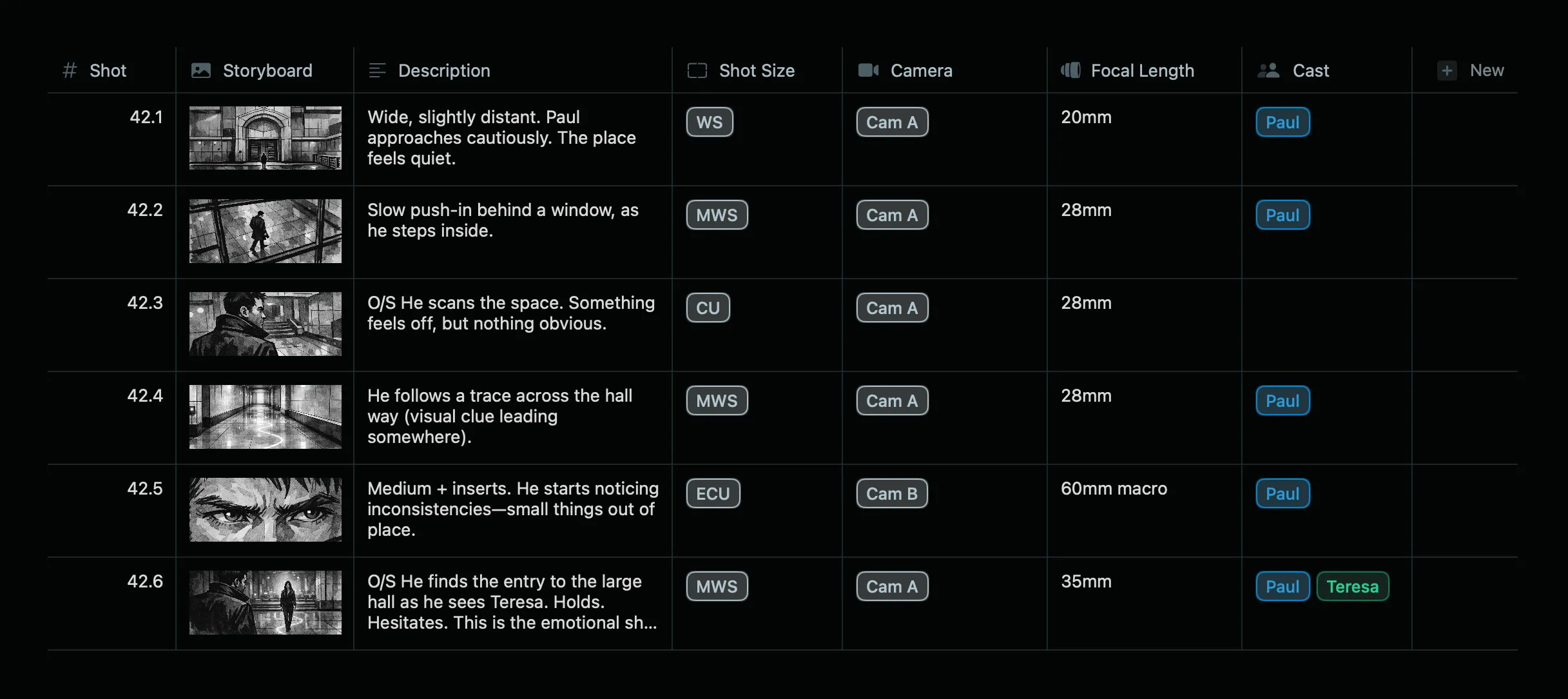
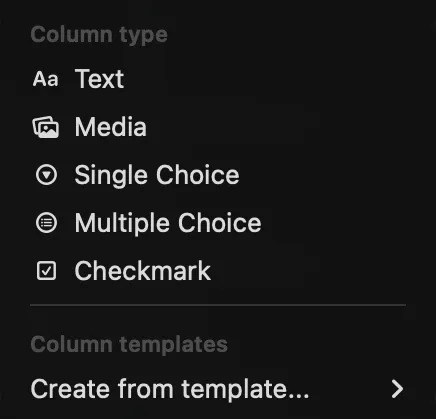
Fully customizable shot lists
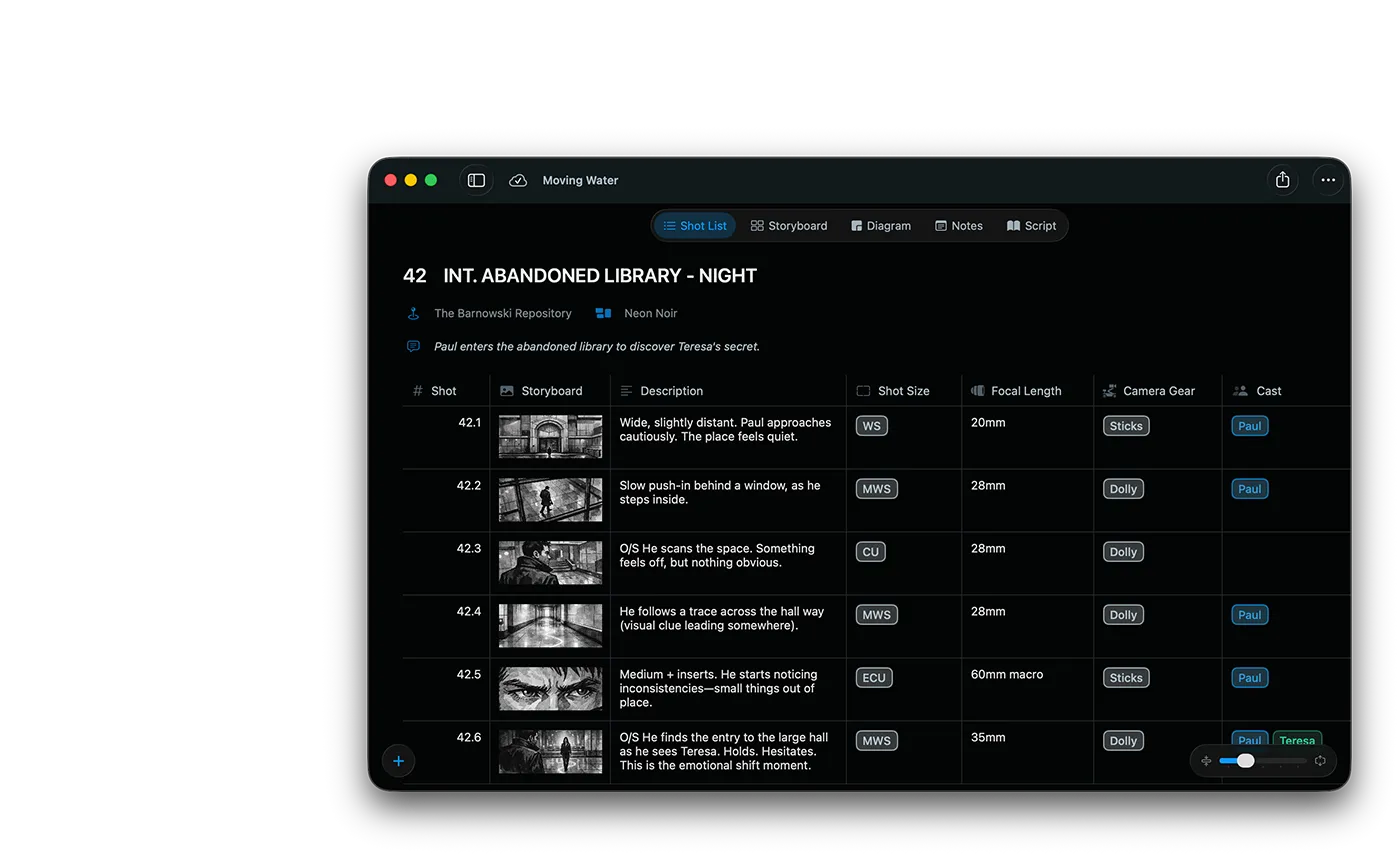
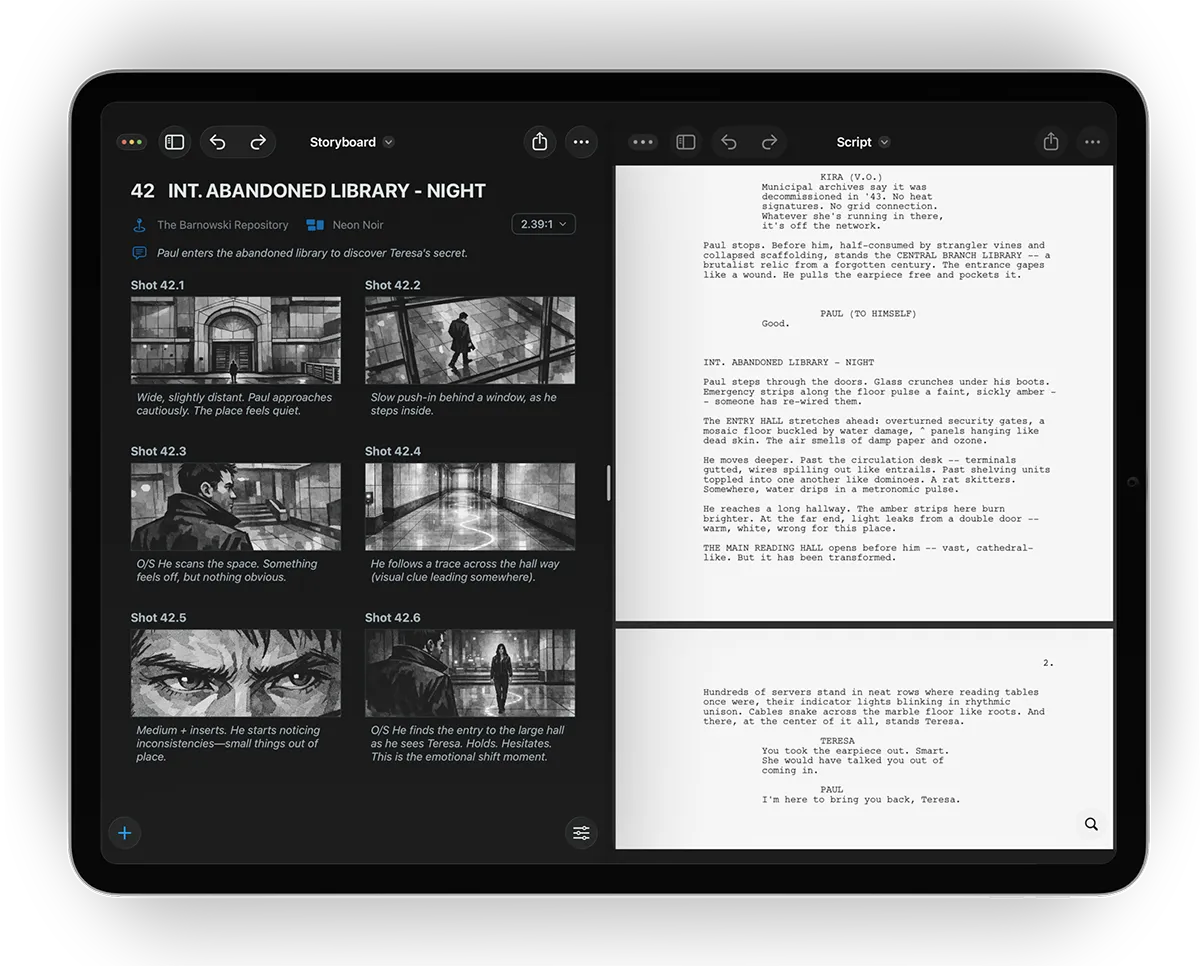
Your workflow, your structure. Use pre-defined columns for the most common use cases or create your own. Link mood boards and locations to your scene for reference.
Script revisions
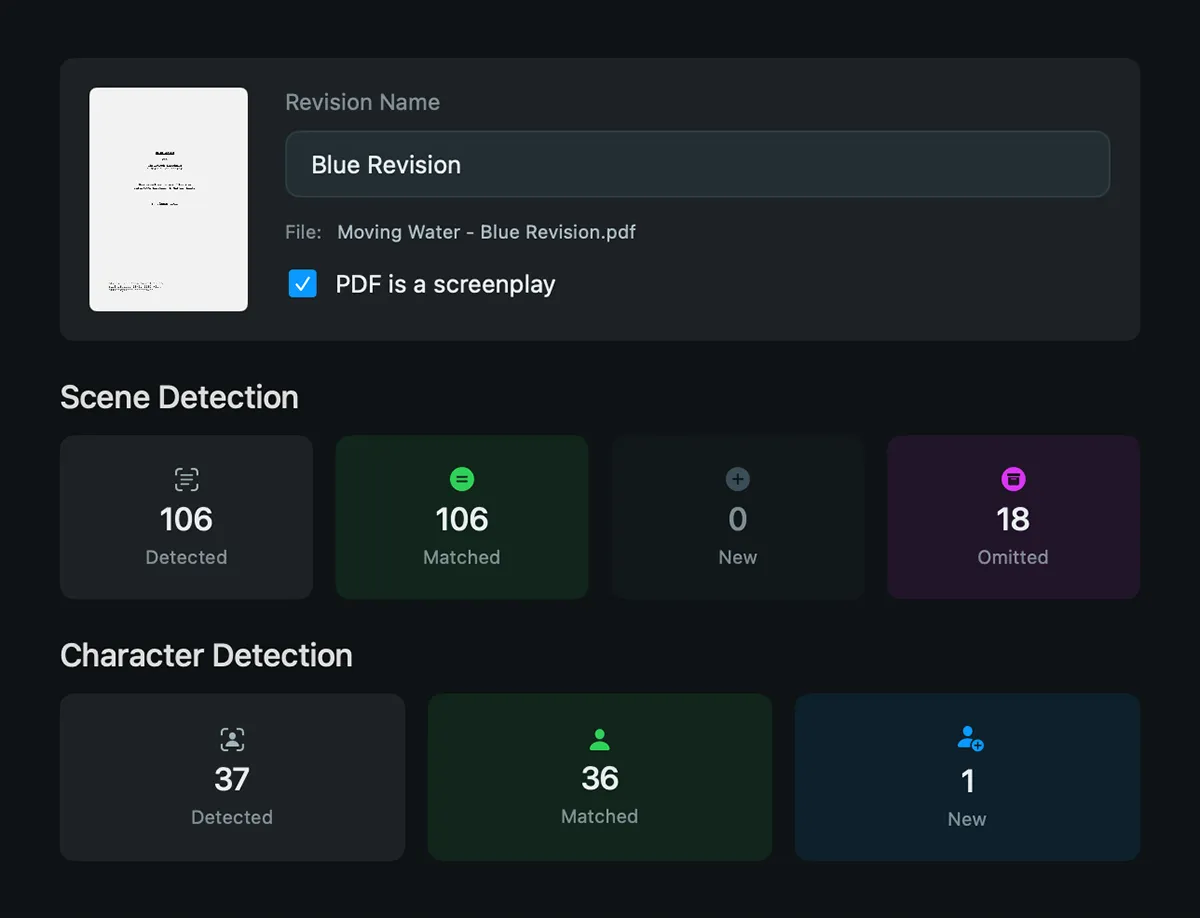
New script revision? Everything transfers
Import your script and Cadrage Studio detects scenes and characters automatically. When revisions come in, shot lists, storyboards, and diagrams stay connected to the right scenes. Omitted scenes get archived so you will never lose any work.
Locations
From scout to set
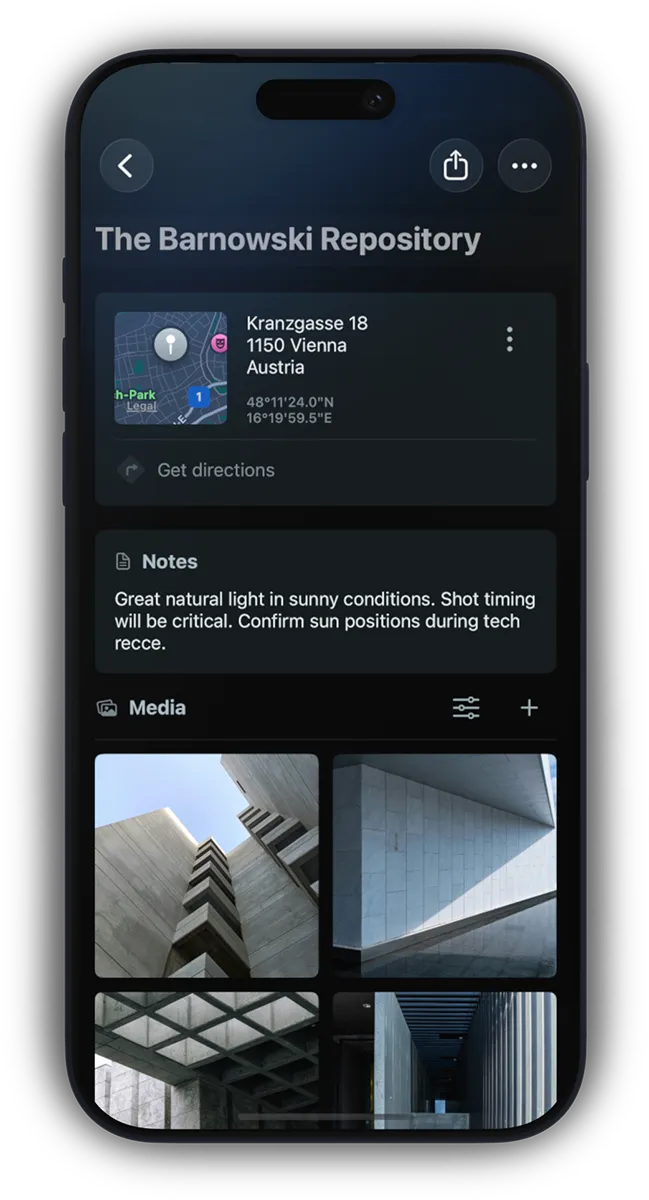
Create 3D room scans with LiDAR-enabled devices or import existing USDZ files from other apps. Attach photos and notes to each location - ready for everyone on your team to reference.
Mood Boards
Convey your vision
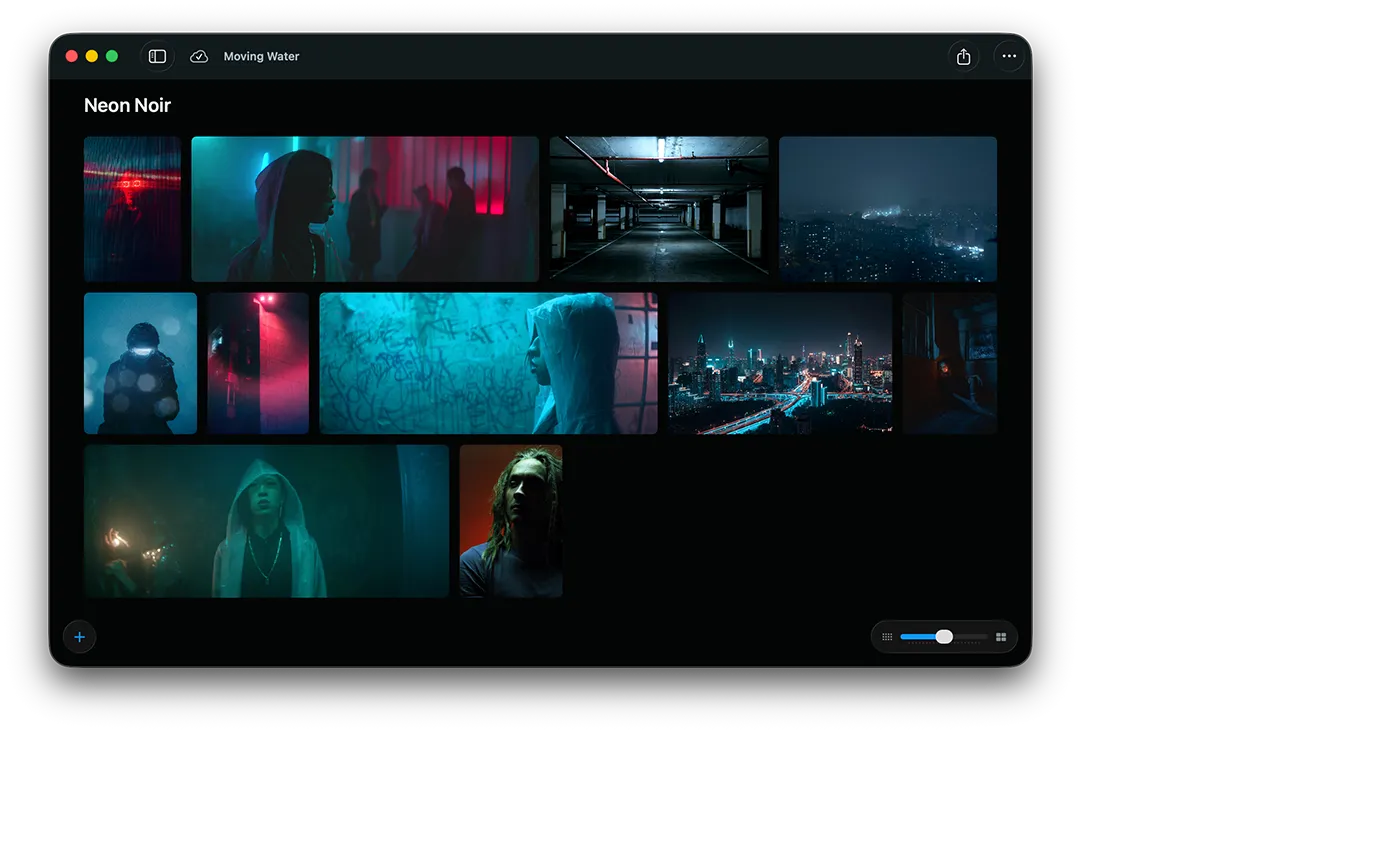
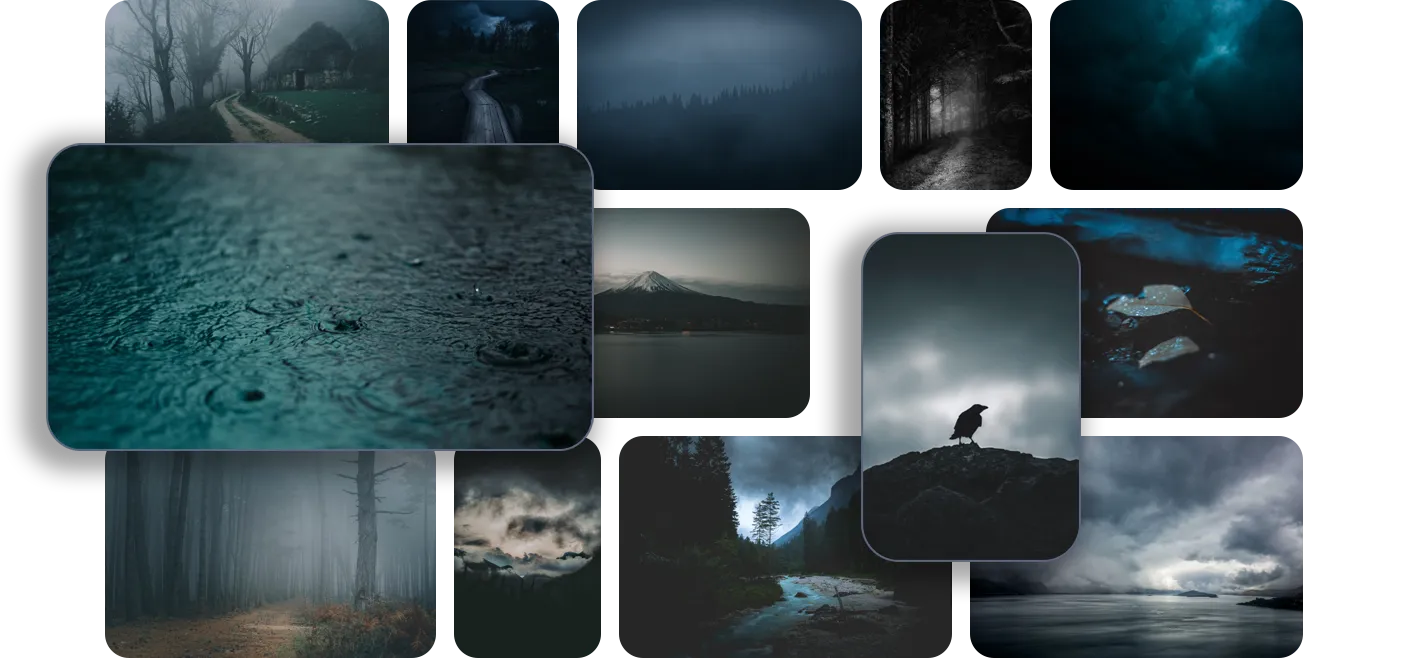
Collect images, videos, and links into mood boards that connect to scenes. Export for presentations to keep your visual language consistent across crew, agency, and client.
Sync & Collaboration
Everyone on the same page
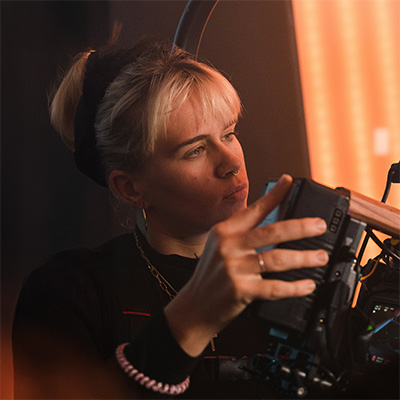
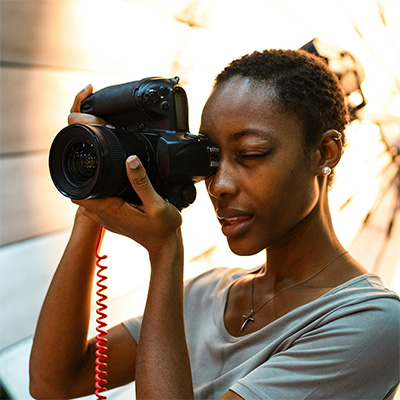
Projects sync across iOS and macOS via iCloud. Invite collaborators to work on the same project and share structured scene PDFs with exactly the information each department needs.

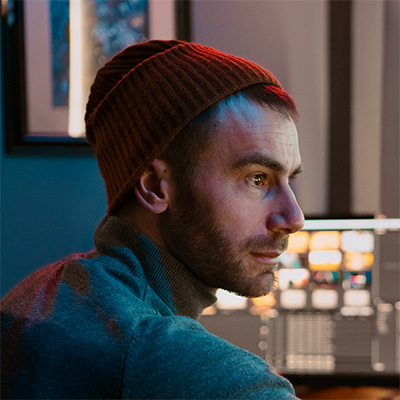
Privacy by design
Your work is yours
Cadrage Studio can be used offline and your projects are only stored on your device and in your private iCloud account. Your work is never uploaded anywhere else - not even we can see your data.

Our Story
Built by the team behind Cadrage
Over the past decade, Cadrage has become the film industry's go-to viewfinder app, trusted by cinematographers and directors on productions worldwide. Cadrage Studio is the next step: bringing that same precision and craft-first thinking to the entire creative preproduction workflow.
Join the future of preproduction
Cadrage Studio is available on the App Store for iOS and macOS. Try it on your next project.
Frequently asked questions
Cadrage Studio is a native macOS and iOS app for creative pre-production. It keeps shot lists, camera diagrams, storyboards, mood boards, locations, and scripts connected in one workspace. No more digging through shared folders, email attachments, and multiple apps to find what you need. Cadrage Studio is built by the team behind Cadrage.
Cadrage Studio runs on macOS, iOS, and iPadOS. The app requires macOS 26, iOS 26, or iPadOS 26 or later.
Yes. Cadrage Studio is a native app that works fully offline. Your projects are stored on your device and in your private iCloud account. When you're back online, everything syncs automatically.
Yes. You can invite collaborators to work on the same project via iCloud. You can also export structured PDF files to share with anyone outside of the app.
No. Cadrage Studio does not utilize AI. Nothing is uploaded to any third-party AI providers or used to train an AI model.